
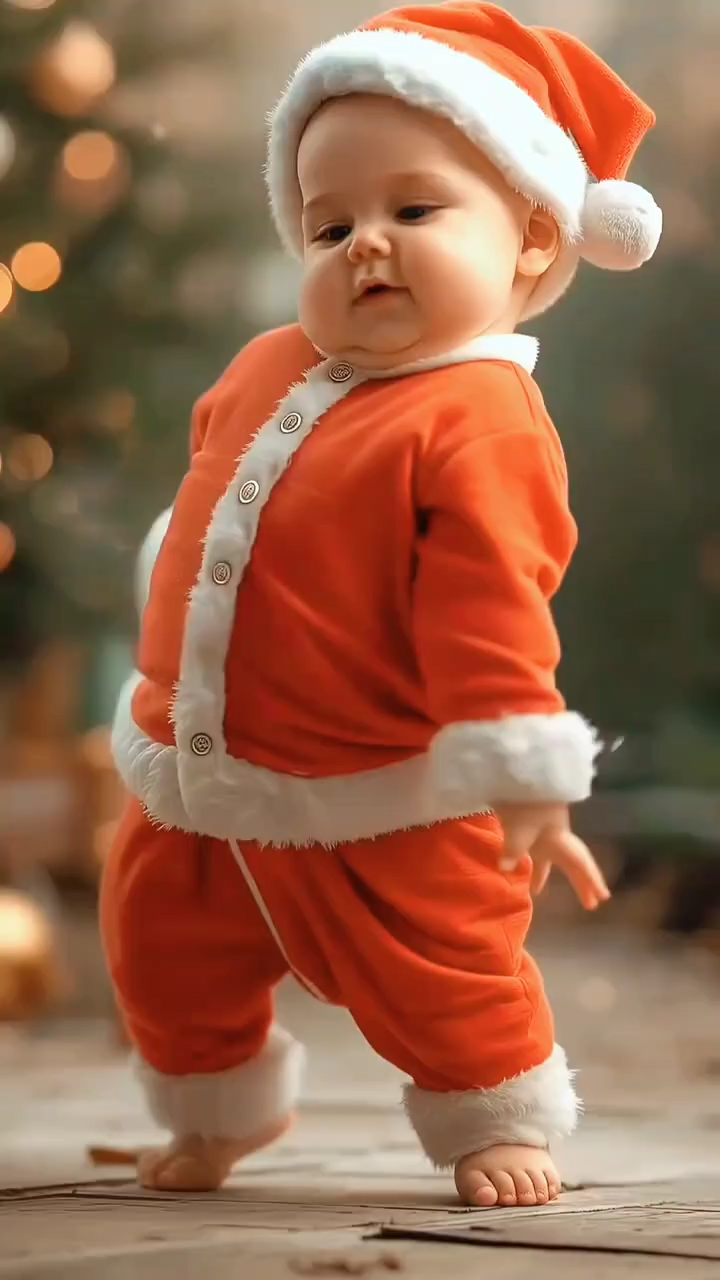
AI Baby Dance Generator
The AI Baby Dance Generator turns one baby photo and one dance reference video into an MP4. Upload both files, read the credit cost on the button, and download the clip. A parent or guardian must have the right to use the photo.
Baby photoDance referenceMP4
Model
Reference dance video
MP4, WebM, or MOV. Up to 15 seconds and 50 MB.
Upload dance video
Baby photo
JPG, PNG, or WebP. Max 10 MB. A guardian must have the right to use this photo.
UPLOAD
Cost: … credits
15s reference · 5s · 16:9 · 480P
BABY PHOTO + REFERENCE VIDEO•MP4 DOWNLOAD
Upload a baby photo and a reference dance video.
Results are saved in History — view and download anytime.
How the AI Baby Dance Generator uses a photo and a dance
This AI Baby Dance Generator needs two files. The baby photo supplies the subject, and the reference video supplies the dance. A dance name or a social link cannot replace the video. Preview the MP4 before you share it, because fast movement can change the face, hands, and feet.
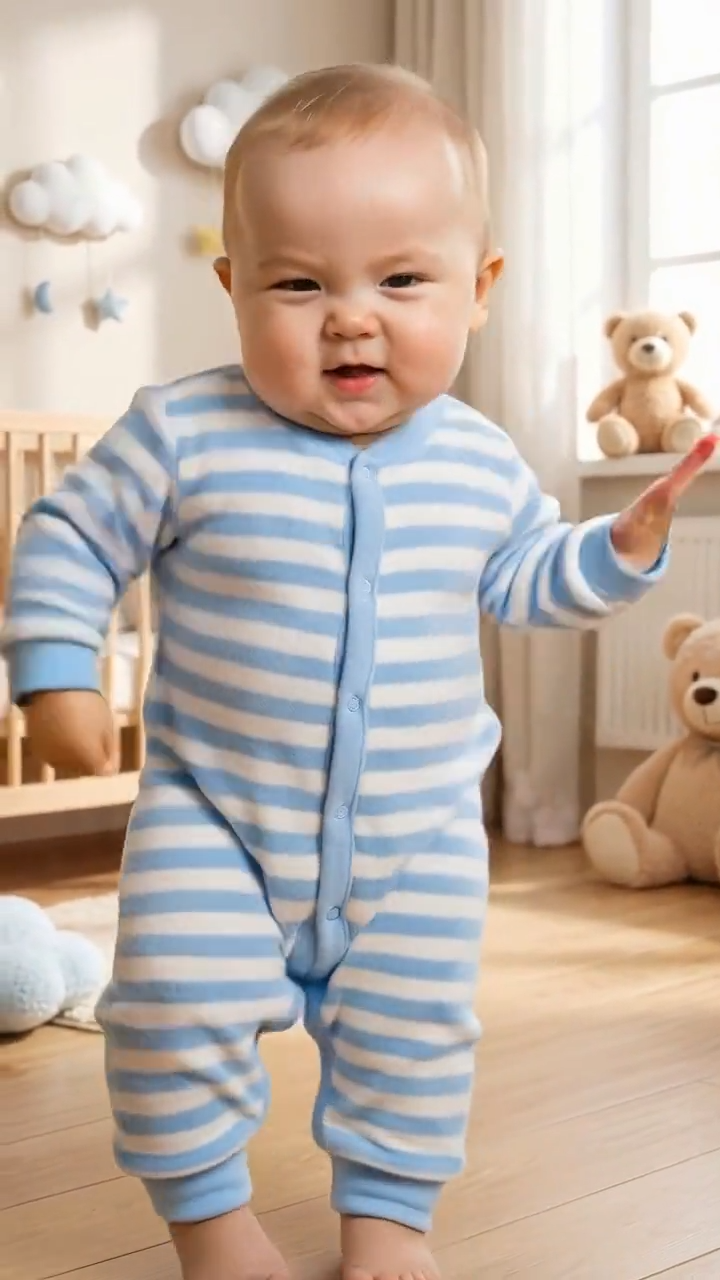
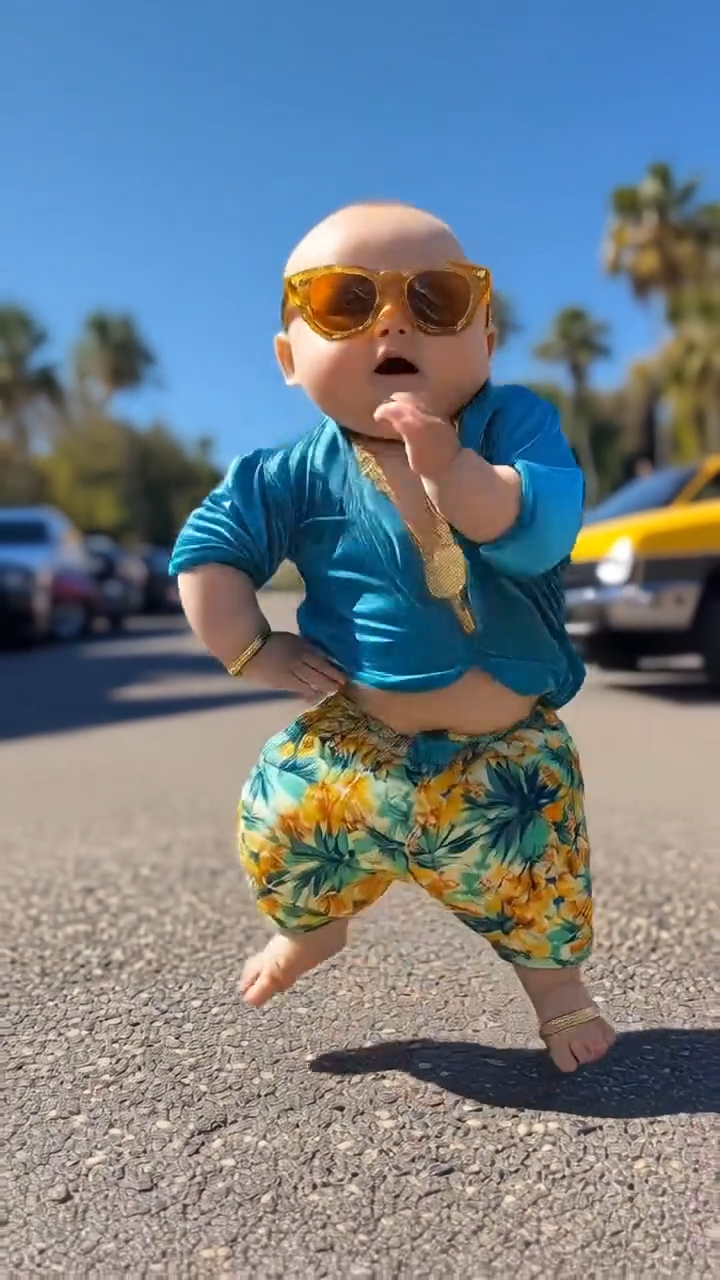
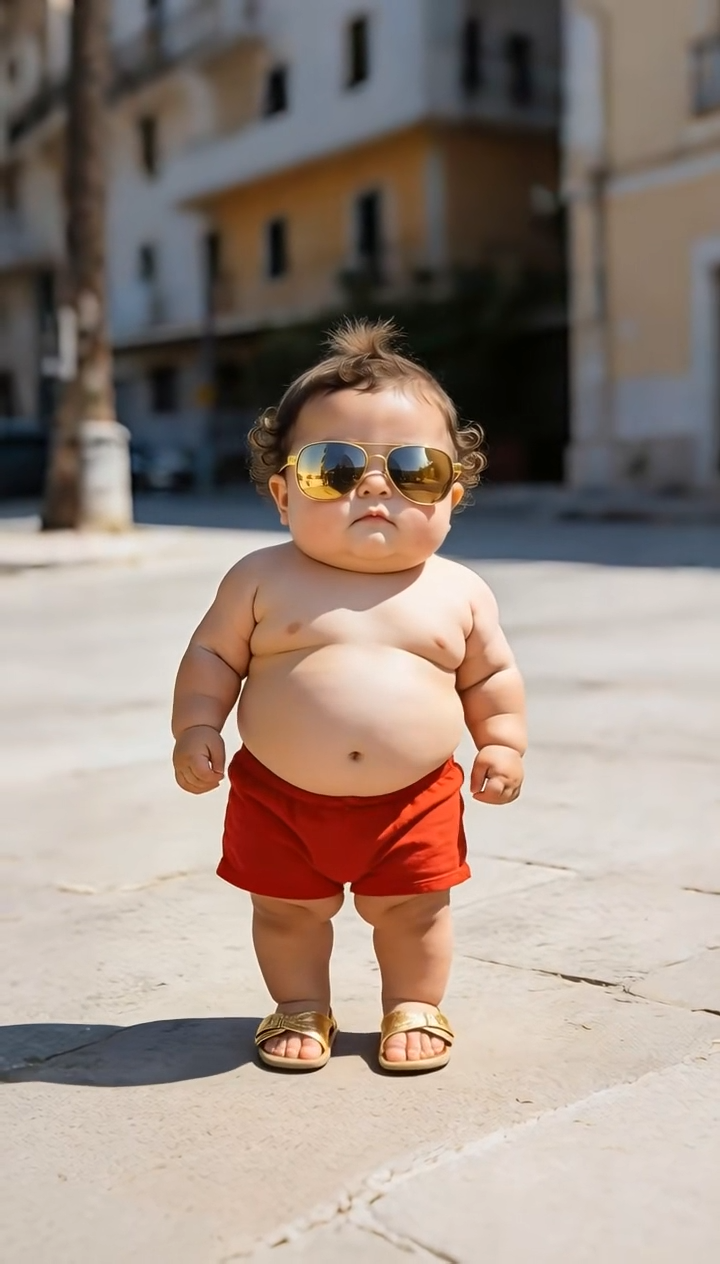
STEPS
Make a baby dance video in three steps
Stay on one job: a baby photo plus a reference dance video, then an MP4. Adults, pets, and anime characters belong on the homepage dance generator.
Upload the baby photo
Add one JPG, PNG, or WebP up to 10 MB. Use a photo a guardian may share for this video. One baby in frame is a better start than a group.
Upload the reference dance
Add the video that contains the dance. MP4, WebM, or MOV, up to 15 seconds and 50 MB, with the movement easy to see.
Generate and download
Read the credit cost, create the clip, and download the MP4. Watch the face, hands, and feet before you share it.
WHAT YOU GET
What this AI Baby Dance Generator can and cannot do
Use this page for a baby photo when you already have a short dance video. The homepage is for an adult, a pet, or an anime character.
A baby photo becomes the dancer
The still sets the subject. The reference video sets the steps. Both files are required. A sentence does not invent the routine.
Guardian permission comes first
Upload a baby photo only when you are the parent or guardian, or you already have their permission.
No dance template list
This page does not offer a catalog of ready-made baby dances. Bring your own reference file. A title, a prompt, or a link is not a substitute.
An MP4 you can edit elsewhere
The download is an MP4. Add music, captions, or cuts in your own editor. The generator does not attach a soundtrack.
Signup credits, then the button price
20 credits arrive with a new account, and a card is not required for that bonus. The create button prices the job. If it is higher than your balance, top up on the pricing page.
Commercial use is a paid right
Plus, Pro, Boost, and Studio include commercial use. Signup credits are for a trial. Read the pricing page and the terms before you use a clip in an ad.
PHOTO AND REFERENCE
Photos and reference videos that give the dance a chance
The generator can only follow what the two files actually show. A clearer photo and a readable dance matter more than a long optional note.
Show the body
A front-facing photo with arms and legs in frame is a better start than a tight face crop.
Keep the light even
Soft daylight or a plain indoor lamp is enough. Heavy filters, dark rooms, and blown-out highlights hide the edges the motion needs.
One baby in the frame
A single subject is easier to keep recognizable. Crowds, toys covering the face, and a second child in the same still make the result less stable.
Make the dance easy to see
Use a clip where the dancer stays in view. Trim anything longer than 15 seconds before upload.
Expect broken details
Faces, hands, and feet can look wrong, especially on a fast dance. Watch the whole MP4. There is no promise that the baby will stay perfectly recognizable.
Change one file at a time
If the first clip drifts, try a clearer photo or a slower reference. Each run spends credits.
AI Baby Dance Generator questions
Answers about the baby photo, the reference video, signup credits, and the download.
Ready to use the AI Baby Dance Generator?
Upload a baby photo you have the right to use and a reference dance video. Check the credit cost, then download the MP4.