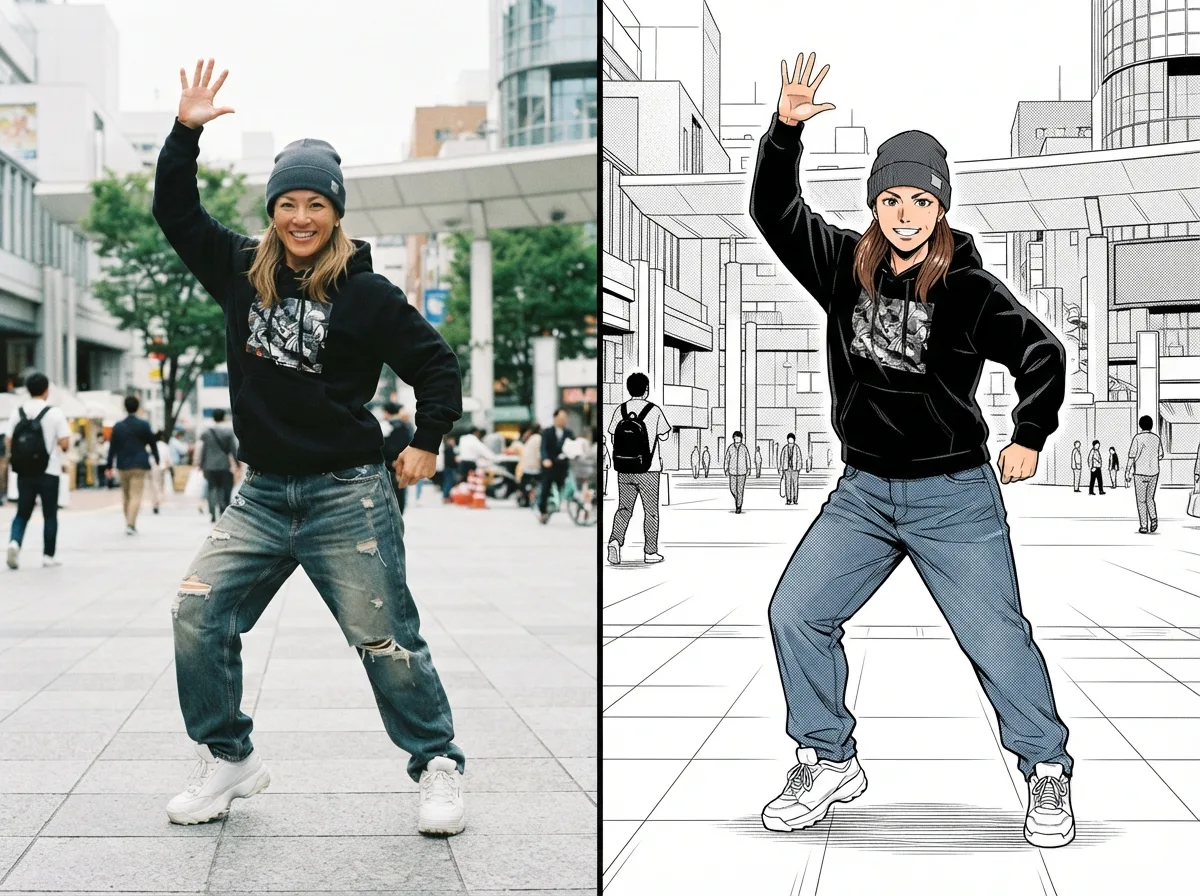
AI Dance Generator — Turn Your Photo into a Dance Video
Your photo. Your dance reference. Your own dance video.
Upload a character photo and a reference dance video. Create a dance clip, download the MP4, and share it on TikTok, Instagram Reels, or YouTube Shorts.
PhotoDance referenceMP4
Model
Reference dance video
MP4, WebM, or MOV. Up to 15 seconds and 50 MB.
Upload dance video
Character photo
JPG, PNG, or WebP. Max 10 MB. No children.
UPLOAD
Cost: … credits
15s reference · 5s · 16:9 · 480P
PHOTO + REFERENCE VIDEO•MP4 DOWNLOAD
Upload a photo and a reference dance video.
Results are saved in History — view and download anytime.
How the AI Dance Generator Works
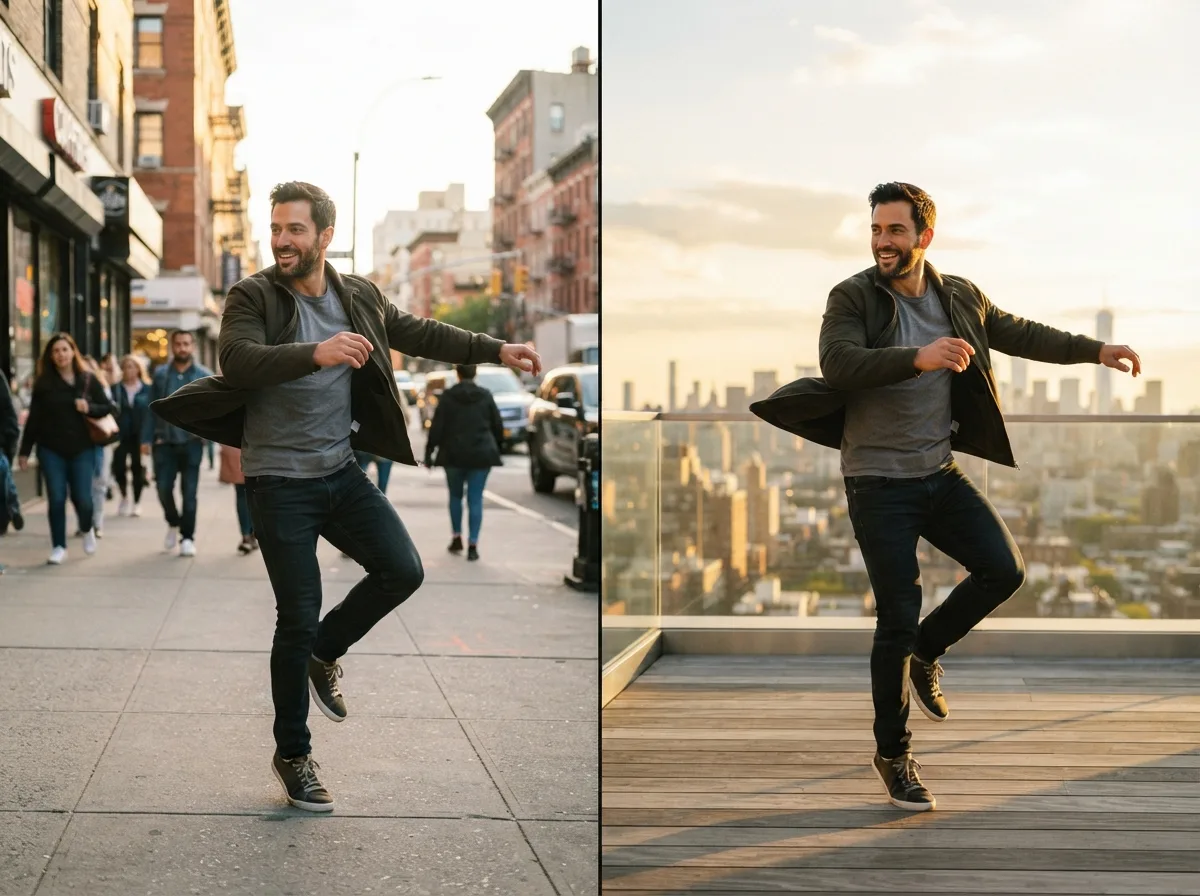
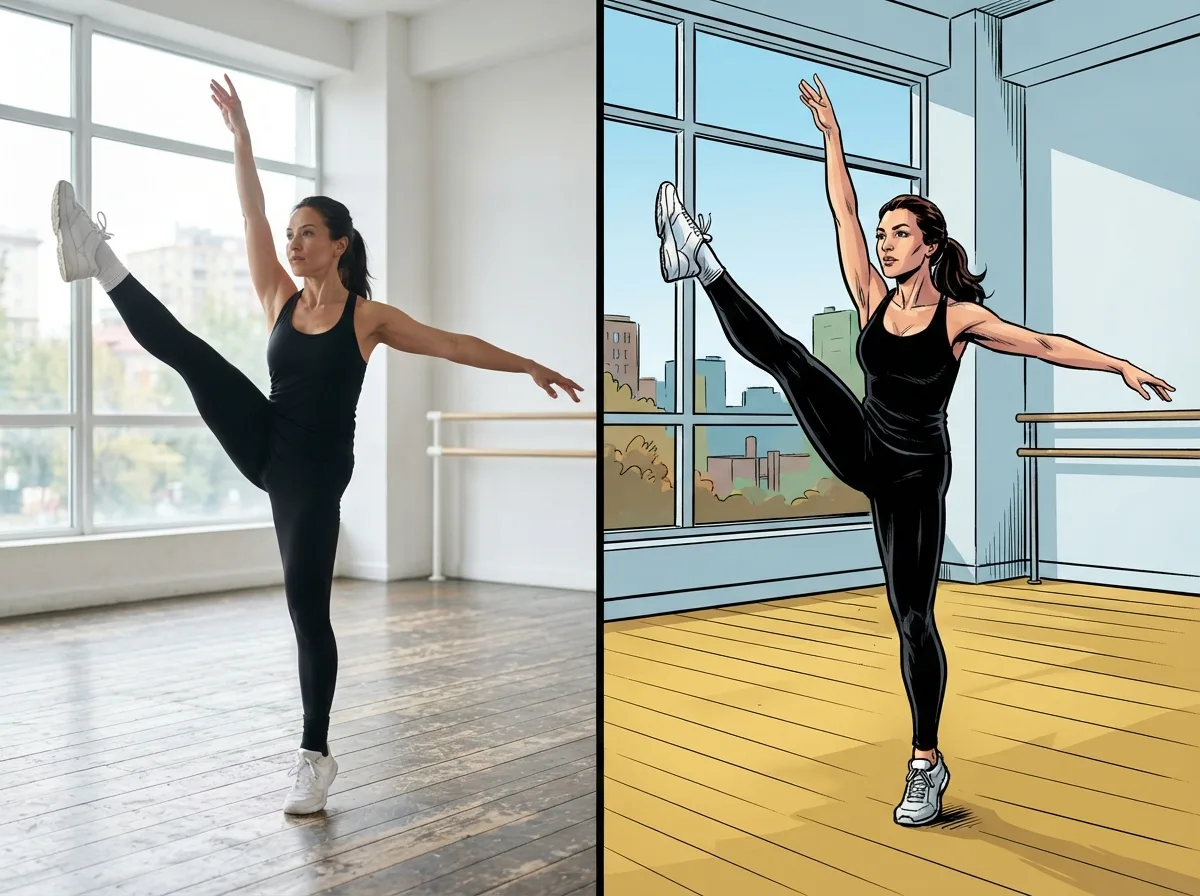
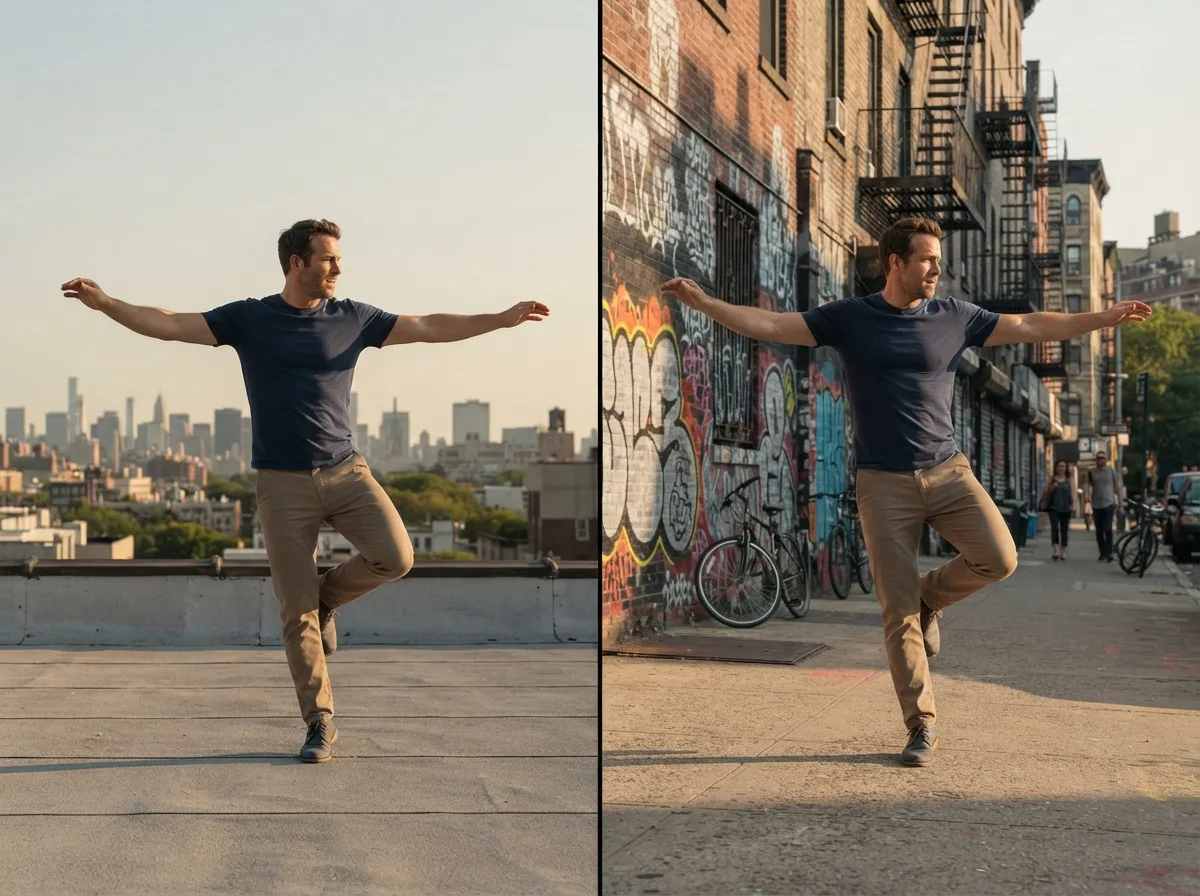
Turn a still photo into a dance video using a reference clip of the choreography. Upload both files: the photo supplies the subject, and the video supplies the dance moves. Review the generated clip before sharing, as fast movement can affect faces, hands, and legs.
STEPS
How to Make an AI Dance Video from a Photo
Use this AI dance video generator with a subject photo and a reference dance video. Upload both files, review the credit cost, and create your clip.
Upload the subject photo
Add one JPG, PNG, or WebP, up to 10 MB, of an adult you may depict, a pet, or an anime character. Do not upload a child.
Add a reference dance video
Upload a video showing the dance you want to follow. Use MP4, WebM, or MOV, up to 15 seconds and 50 MB, with the dancer's movements clearly visible.
Generate and download
Review the credit cost, generate your dance video, and download the MP4. Preview the result before editing or sharing it.
What You Can Do with This AI Dance Generator
Create a dance clip from a photo and reference video, download it as an MP4, and check the available settings and usage rights before generating.
Photo-to-dance video generation
Combine a subject photo with an uploaded reference dance video. Both files are required to create the dance clip.
People, pets, and anime only
Supported subjects are an adult you have permission to use, a pet, and an anime or illustrated character. Do not upload a child's photo.
Photo and reference tips
Start with a clear, full-body photo and a reference clip with visible movement. Fast choreography and close-ups can distort faces, hands, or legs, so check the result before sharing.
MP4 download for editing and sharing
Download the generated dance video as an MP4 to edit or upload to your preferred social platform.
20 signup credits, no card
New accounts get 20 credits, and no card is required. The button prices the selected model, resolution, and length before you confirm.
Commercial use is a paid right
Plus, Pro, Boost, and Studio include commercial use. Signup credits are for trying the generator. Read the pricing page and the terms before an ad.
WHO IT IS FOR
People, pets, and anime characters
Use this AI dance generator when you want a dance clip without a camera. Do not upload a child's photo. Use an adult you are allowed to depict, a pet, or an anime character.
Credits and Commercial Use
Create an account to receive 20 credits with no credit card required. The cost of each dance video depends on the selected model, resolution, and length, and is shown on the generation button. Some settings require more than 20 credits.
Plus, Pro, Boost, and Studio include commercial use. Signup credits are for trying the generator. Check the pricing and terms before using a dance video in an ad or other commercial project.
AI Dance Generator FAQ
Answers about reference videos, photo requirements, signup credits, downloads, and commercial use.
Ready to Turn Your Photo into a Dance Video?
Upload your subject photo and a reference dance video, review the credit cost, and create your MP4.